
Table Of Content
- What Happens When You Try on Clothes Online With AI?
- How to Try on Clothes Online Using a Selfie
- Start with a photo that gives the AI something to work with
- Choose the outfit you actually want to test
- Generate, then compare
- Your Best Virtual Try-On Starts With a Better Photo
- Read the Result Like a Stylist, Not a Size Chart
- Where Online Clothes Try-On Stops Being Reliable
- Visualise, Verify, Then Buy
- FAQs About Trying on Clothes Online
- Can I try on clothes online with a picture?
- Do I need a full-body selfie for virtual try-on?
- Is AI virtual try-on accurate for sizing?
- What should I wear in my virtual try-on photo?
- Is it safe to upload a selfie to a virtual try-on tool?
You’ve found the perfect Zara dress—at least on the 5’11” model in the product photos. But will that butter-yellow shade brighten your complexion or wash it out? Will the waist sit where you expect? And is that oversized blazer effortlessly cool on you, or simply too oversized?
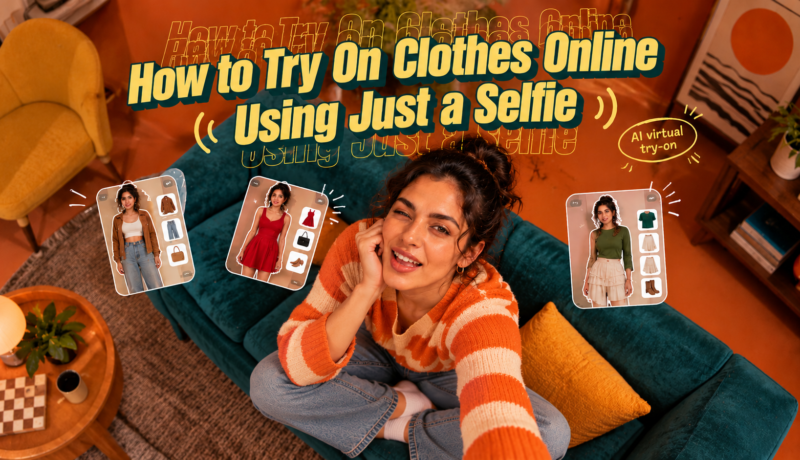
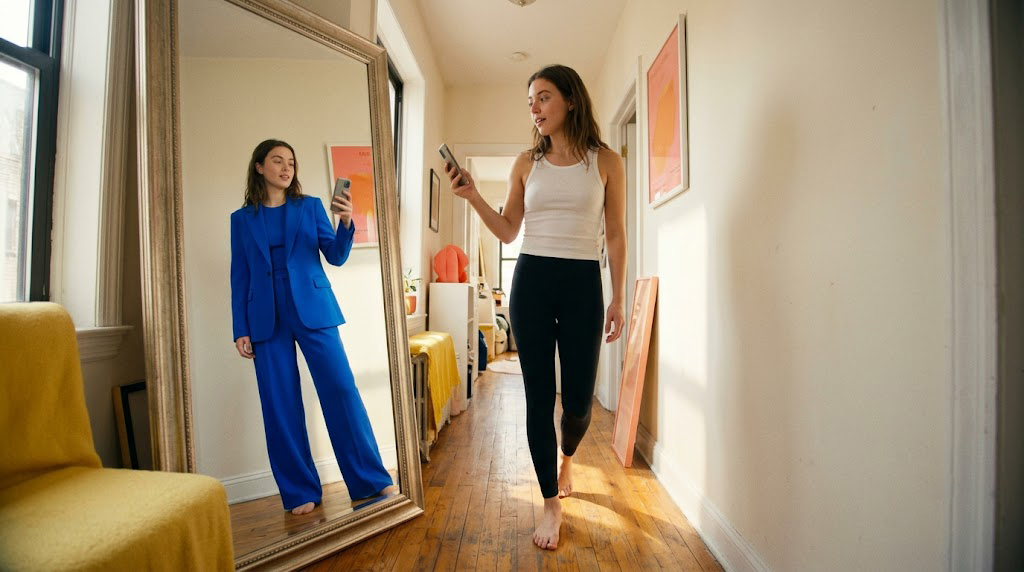
That is where the ability to try on clothes online with a selfie can help. AI virtual try-on tools use a full-length photo to create a visual preview of you in a different outfit, making it easier to assess colour, proportions and overall style before you hit “add to bag.”
It is not a replacement for a tape measure or a size chart. Used well, though, it is a genuinely useful first filter for online shopping.
What Happens When You Try on Clothes Online With AI?
AI virtual try-on is an image-based styling tool that places a digital garment—or a complete look—onto a photo of you. Instead of creating a cartoon avatar, newer tools use generative AI to analyse your pose, approximate body contours, clothing edges, lighting and the shape of the item you want to test.
In practice, it needs two things:
- Your photo—ideally a clear, full-body image.
- An outfit reference, such as a product image, garment photo or style concept.
The AI then creates an outfit visualisation designed to make the clothing look integrated with your posture, proportions and image lighting. It is a step up from old AR filters, where a top could look like a flat sticker floating over your body.
Google’s AI virtual try-on experience has demonstrated how generative AI can account for details including fabric drape, shadows and different body poses. Fashion businesses are also exploring generative AI for personalisation and creative discovery, as discussed in McKinsey’s report on the future of generative AI in fashion.
The practical benefit is simple: less guessing from brand model photos, and more confidence in the direction of your shopping.
How to Try on Clothes Online Using a Selfie
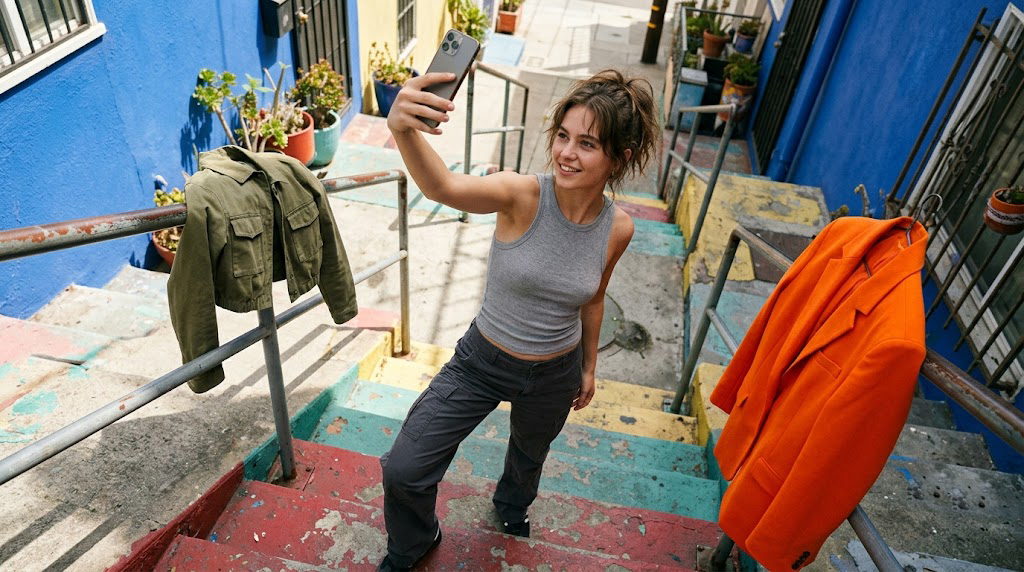
The best way to use a virtual fitting room is as a comparison tool, not a final fit verdict. Here is a simple workflow.
Start with a photo that gives the AI something to work with
Choose a full-length selfie or ask someone to take a photo of you standing naturally. Wear fitted, plain basics—a vest or T-shirt with leggings or jeans works well. A bulky hoodie or flowing dress can obscure your outline and make the result less useful.
Choose the outfit you actually want to test
With Fashually virtual try-on, you can use your own image to explore different clothing looks and aesthetics. Start with pieces you are genuinely considering: a trench coat, wedding-guest dress, wide-leg trousers or an occasionwear set.
You can also experiment before browsing retailers. Try a few blazer shapes first, for example, then search Zara, ASOS, Myntra or H&M with a clearer idea of what you want.
Generate, then compare
Once the AI creates a rendering, look beyond whether the image is flawless. The useful signals are colour harmony, garment length, silhouette and styling potential.
Try the same photo with several options: cobalt versus olive, cropped jacket versus longline coat, fitted dress versus A-line dress. This side-by-side approach is where the ability to try on clothes online becomes most valuable.
Save your strongest results before you shop. Patterns quickly emerge in the colours, necklines and proportions you keep returning to.
Your Best Virtual Try-On Starts With a Better Photo
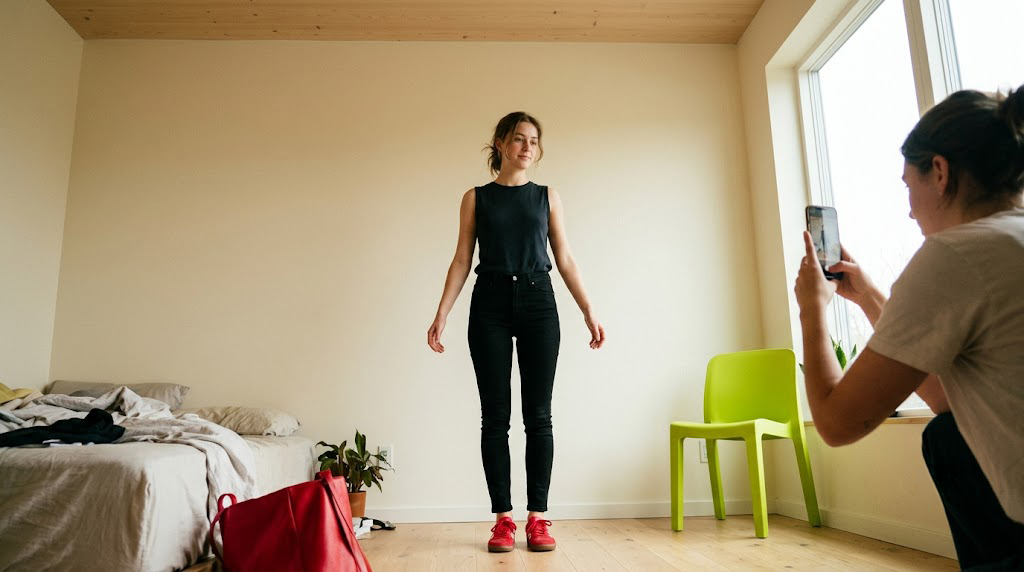
You do not need studio lighting or a professional fashion shoot. A smartphone camera, window light and a plain wall are enough for a useful virtual try-on with a selfie.
- Use even daylight. Face a window or use bright, diffused indoor light. Harsh overhead lighting can create shadows that make clothing edges harder to read.
- Frame your full body. Include your head, shoes and a little space around you so you can judge proportions and garment length.
- Stand naturally. Face the camera or use a slight three-quarter angle. Keep your arms slightly away from your torso so sleeves and waistlines are visible.
- Keep the background simple. A plain wall or uncluttered corner works better than a busy café or packed wardrobe.
- Move hair away from key details. Tie long hair back if you are testing necklines, collars, jewellery or sleeveless pieces.
Privacy matters, too. Before uploading a personal image, check how a platform stores, processes and deletes photos. Read Fashually’s information on privacy and image uploads, and avoid using pictures that include other people, visible addresses or sensitive details.
Read the Result Like a Stylist, Not a Size Chart
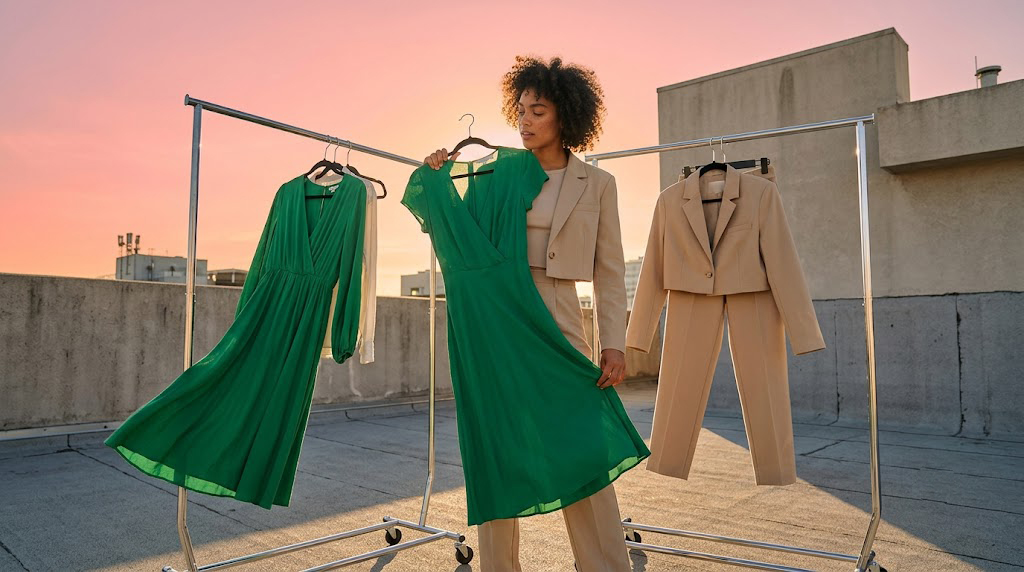
A good AI clothes try-on result can answer visual questions that product photos cannot. Focus on the big picture first.
Colour and contrast: Does emerald green make your face look brighter? Does muted beige blend too closely with your skin tone? Virtual styling can help you compare warm, cool and neutral shades, although screen brightness and photo lighting may shift colour slightly. For more guidance, explore how to find your best clothing colours.
Silhouette and proportion: Compare a boxy jacket with a cinched-waist version, or high-rise trousers with lower-rise styles. Notice where the eye is drawn: shoulders, waist, hips or hemline. A rendering is particularly helpful for deciding whether you prefer structured, flowing, cropped or elongated shapes.
Pattern scale and layering: Thick stripes, bold florals and graphic prints can feel very different on your overall frame than they do on a product page. You can also test a coat over a knit, a blazer over a dress or an open shirt over a tank. Fabric details may not be exact, but the balance of the outfit can still tell you a lot.
Where Online Clothes Try-On Stops Being Reliable
AI virtual try-on is strongest as an aesthetic and proportion tool. It can give you a helpful preview of how a colour, outfit direction or garment shape may look on your image. It cannot provide the complete physical truth of wearing an item.
- It cannot reliably confirm your size or exact fit.
- It cannot tell you whether denim will stretch while sitting.
- It cannot predict whether a knit will itch, a waistband will dig in or a fabric will feel stiff.
- It cannot replace fabric composition, garment measurements, customer reviews or return policies.
Use the result to ask visual questions: Does this midi length feel right? Does the coat overwhelm my frame? Is this shade worth ordering? Then check the retailer’s size chart and measurements before buying. If fit is your main concern, see our guide on how to choose the right clothing size online.
Visualise, Verify, Then Buy
The most useful time to use AI virtual try-on is before you buy—not after a parcel arrives.
Start by testing a small set of ideas: warm earth tones versus cool jewel tones, relaxed denim versus tailored trousers, or a familiar neckline against something new. Use the results to narrow your search terms and save the styles that feel most natural. Then visit the retailer’s product page to verify measurements, material, care requirements, reviews and returns.
This approach can reduce the urge to order five uncertain options “just to see.” It can also help you shop with more intention.
Fashually is particularly useful for fashion discovery: testing an aesthetic you would not normally buy, visualising a complete look or exploring outfit combinations before committing. Think metallic trousers, a dark-academia coat, a bright co-ord or a new-to-you neckline—without the pressure of buying first.
FAQs About Trying on Clothes Online
Can I try on clothes online with a picture?
Yes. AI virtual try-on tools can use a clear, full-length photo to create a visual preview of you in a selected outfit or style.
Do I need a full-body selfie for virtual try-on?
A full-body image usually produces the most useful result because it gives the AI more information about your pose, proportions and garment length.
Is AI virtual try-on accurate for sizing?
No. It is best for assessing colour, silhouette and styling direction. Always check size charts, measurements, fabric details and reviews for fit guidance.
What should I wear in my virtual try-on photo?
Choose fitted, plain basics in good light. Avoid oversized layers or busy prints that can obscure your body outline.
Is it safe to upload a selfie to a virtual try-on tool?
Check the platform’s privacy terms before uploading. Review how images are stored, processed and deleted, and avoid photos containing other people or personal information.
Ultimately, the answer to “can you try on clothes online with a picture?” is yes—with sensible expectations. Use AI to see possibilities, refine your taste and shop with more intention. Then let size charts, fabric details and customer reviews make the final call.