Table Of Content
- What Are Instagram Fashion Photos AI?
- Why Instagram Fashion Photos AI Changes the Content Calendar
- Your Source Photo Does Most of the Heavy Lifting
- How to Make Instagram Fashion Photos AI Look Believable
- Prompt ideas worth adapting
- The Details That Separate Editorial From Uncanny
- Make Every Crop Earn Its Place on Instagram
- A Cohesive Feed Still Needs a Human Point of View
- Keep AI Fashion Content Honest
- Frequently Asked Questions
- Can AI turn a selfie into a fashion photo?
- What makes AI outfit photos look realistic?
- What size should AI fashion photos be for Instagram?
- Should I disclose that an AI fashion image has been altered?
A studio booking, a new wardrobe, and a photographer on speed dial used to be the baseline for polished fashion content. Now, Instagram fashion photos AI can turn a strong selfie or outfit snap into an editorial-style image—letting creators test new looks, locations, lighting, and formats without losing their personal point of view.
The goal is not to make your feed look entirely synthetic. Think of AI as a lightweight production studio: a way to explore visual ideas, batch content, and try styling directions before committing to a shoot or a purchase. That shift is already reshaping fashion marketing and digital production, as explored in McKinsey’s report on generative AI in fashion.
What Are Instagram Fashion Photos AI?
AI fashion photos are images created or enhanced with artificial intelligence for styling, fashion photography, or social content. Depending on the tool, AI can change an outfit, refine a background, simulate editorial lighting, or build a new fashion scene around an existing image.
That is a step beyond a standard filter. An AI outfit transformation can interpret a pose, silhouette, setting, and mood together—helping you visualise an oversized streetwear look, tailored quiet luxury, or a resort-ready editorial from one source photo.
The most convincing results usually begin with a real image of you. Your face, hair, proportions, and personal style remain recognisable; AI simply expands the creative options. It works best as a complement to smartphone fashion photography, not a replacement for it.
Why Instagram Fashion Photos AI Changes the Content Calendar
AI makes it easier to explore several styling directions from one image instead of arranging repeated photoshoots. It can help with digital lookbooks, outfit visualisation, carousel variations, and a more consistent feed—particularly when you want to test a concept before buying clothes or booking a location.
Fashually’s AI Fashion Photoshoot workflow, for example, can turn one upload into multiple looks and visual aesthetics. An AI outfit generator can be useful for exploring a style direction before you commit to it in real life. Just remember: virtual styling is inspiration, not a promise of exact fit, fabric feel, or garment quality.
Your Source Photo Does Most of the Heavy Lifting
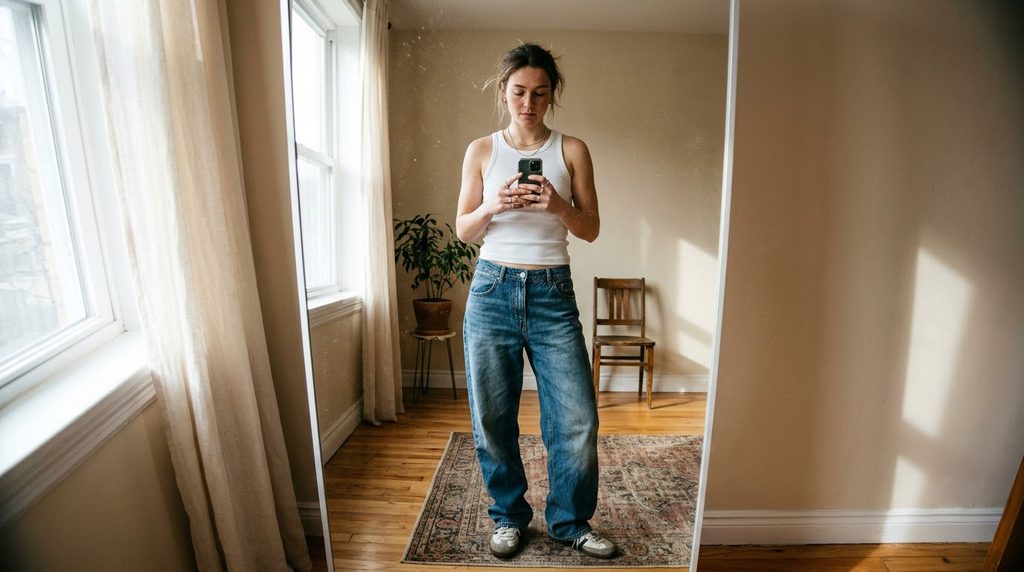
The best AI-generated fashion images begin before you upload anything. A clear, well-lit photo gives the tool enough information to preserve your identity and create more believable clothing.
- Use indirect daylight or soft window light.
- Choose a full-body image for outfit changes and a clean head-and-shoulders photo for portraits.
- Wear simple, fitted clothing if you want the new silhouette to read clearly.
- Keep your pose relaxed, with arms slightly away from your torso when possible.
- Use a plain or uncluttered background.
- Avoid heavy beauty filters, motion blur, harsh shadows, and sunglasses that hide your features.
Natural skin texture matters. Freckles, flyaway hairs, and subtle expression lines make an image feel like a person rather than a generic AI face. Starting with an authentic photo also helps preserve what makes your content yours.
How to Make Instagram Fashion Photos AI Look Believable
Start with one clear concept. Asking for every trend at once usually produces an image that looks confused—and a feed that does too.
- Upload a clear selfie or full-body photo. Pick the image that best reflects how you actually look.
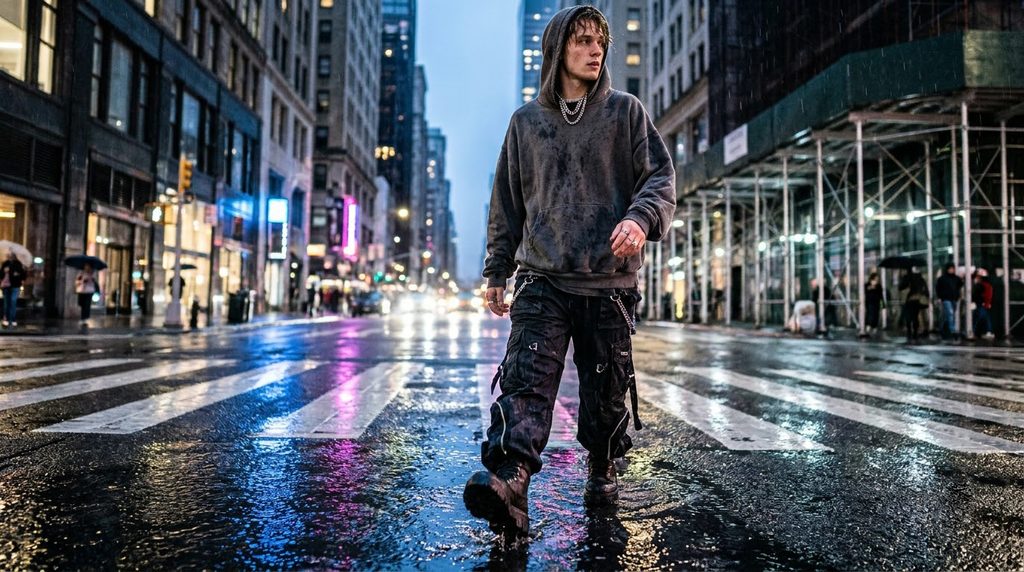
- Choose an outfit direction. Think tailored neutrals for quiet luxury, layered cargos for streetwear, metallics for Y2K, or linen sets for resort wear.
- Set the scene. Describe location, lighting, and mood. “Soft morning light outside a Parisian café” gives better direction than “make it fashionable.”
- Generate several variations. Compare faces, hands, garment details, and background perspective before choosing a favourite.
- Refine the strongest result. Correct odd details, crop with purpose, and export for the Instagram format you need.
Prompt ideas worth adapting
- Editorial: “Full-body editorial fashion portrait, structured black blazer and wide-leg trousers, architectural concrete gallery, soft directional window light, realistic wool texture, natural skin.”
- Streetwear: “Urban street-style outfit, oversized charcoal hoodie, cargo trousers, silver accessories, rainy city pavement, cinematic neon reflections, candid fashion photography.”
- Y2K: “Early-2000s-inspired fashion portrait, denim mini skirt, colourful knit, disposable-camera flash, subtle film grain, playful mall backdrop.”
- Resort: “Linen co-ord set on a Mediterranean terrace, late-afternoon golden light, natural wind in hair, relaxed luxury fashion campaign.”
The Details That Separate Editorial From Uncanny
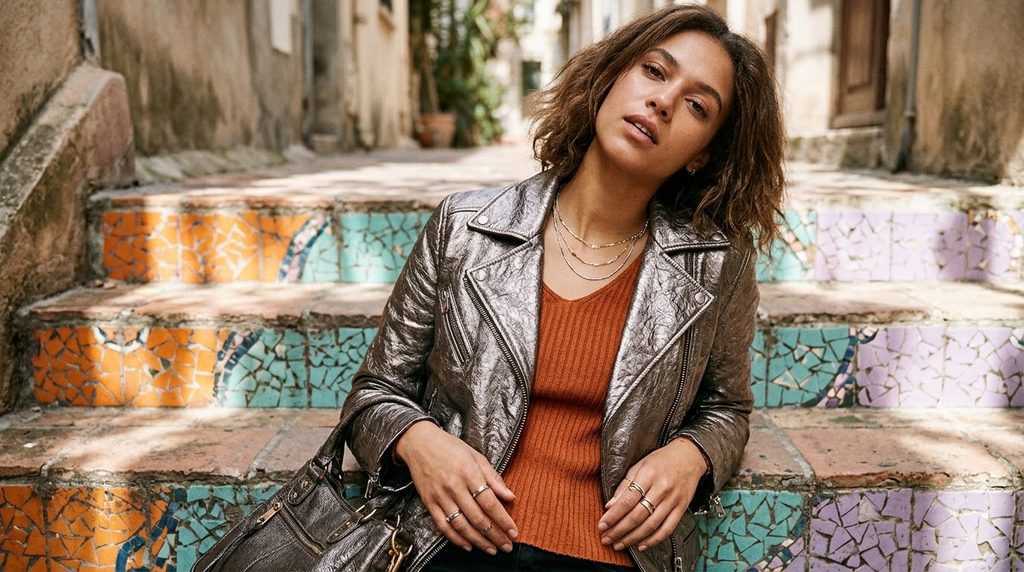
The difference between a compelling fashion image and a scroll-past AI visual is usually restraint. A polished result should still look physically possible.
Before posting, zoom in on hands, jewellery, bag straps, sunglasses, shoe pairs, and printed text. Watch for warped fingers, melting hardware, duplicated accessories, distorted logos, mismatched reflections, or fabric that seems to blend into the body. Check that shadows fall in the same direction across both subject and background.
Do not smooth everything into perfection. Porcelain skin, overly sharpened eyes, and flawless symmetry can erase the personality that makes fashion content interesting. If an image is nearly right, crop around the issue, regenerate a detail, or use an AI fashion photo editor to refine it rather than starting over.
Make Every Crop Earn Its Place on Instagram
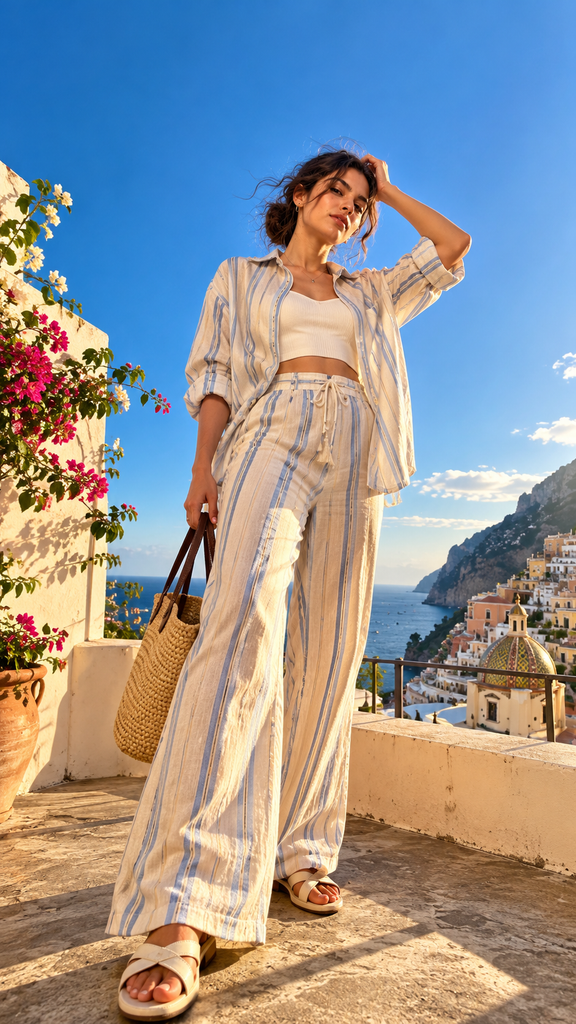
Formatting is part of the fashion direction. For feed posts and carousels, use a 4:5 aspect ratio at 1080 × 1350 pixels. It takes up more vertical space than a square post and gives a full outfit room to breathe.
For Reels covers and Stories, use a 9:16 canvas at 1080 × 1920 pixels. Keep faces, key outfit details, and cover text in the central safe area, since profile-grid previews crop the outer edges. A clean pose and strong contrast tend to work better than a busy scene.
A simple fashion carousel can follow this sequence:
- Hero cover image
- Full outfit view
- Close-up of fabric, shoes, or accessories
- Alternate styling or location
- Final slide with styling notes or a personal caption
Keep the lighting temperature, background family, and colour palette consistent across the slides. For more ways to plan a series, explore these fashion content ideas.
A Cohesive Feed Still Needs a Human Point of View
A strong feed does not mean every post looks identical. It means people can recognise your point of view. Choose two or three repeatable visual rules: cool concrete backgrounds and silver accessories, for example, or warm light, neutral palettes, and understated architecture.
Batch content by theme, then mix your AI images with real mirror shots, event photos, fitting-room clips, and behind-the-scenes posts. That balance builds trust and keeps your feed from feeling overproduced.
Consistency goes beyond colour. Repeat lighting styles, crops, caption tone, and styling choices. Later’s guide to creating a cohesive Instagram aesthetic offers useful principles for planning recurring visual treatments.
Keep AI Fashion Content Honest
AI works best when it supports your taste rather than replacing it. Use your own source photos, preserve recognisable features, and add the details only you can provide: why you chose the styling, whether you would wear it in real life, or how the trend fits your wardrobe.
Be transparent when an image has been substantially altered, especially when showing products, working with a brand, or presenting an outfit as a real purchase. AI visuals should not imply exact garment fit or quality that has not been verified.
The workflow is straightforward: plan one direction, upload a strong photo, generate several looks, select the most believable version, inspect it closely, format it for Instagram, and create supporting carousel or Reel assets. The best AI fashion photos still feel like they belong to a person—not an algorithm.
Frequently Asked Questions
Can AI turn a selfie into a fashion photo?
Yes. A clear selfie or full-body image can be used as the starting point for new outfits, backgrounds, lighting, and editorial styling. Results are usually strongest when the original photo is well lit and minimally filtered.
What makes AI outfit photos look realistic?
Believable proportions, natural skin texture, accurate shadows, clear fabric detail, and consistent background perspective all matter. Always inspect hands, accessories, text, and reflections before posting.
What size should AI fashion photos be for Instagram?
Use 1080 × 1350 pixels in a 4:5 ratio for feed posts and carousels. For Reels covers and Stories, use 1080 × 1920 pixels in a 9:16 ratio.
Should I disclose that an AI fashion image has been altered?
Transparency is especially important when the image features products, brand collaborations, or an outfit presented as a real purchase. Avoid suggesting that AI-generated clothing reflects verified fit, fabric, or quality.