Table Of Content
- What Makes a Great LinkedIn Headshot for Gen Z?
- What Should Gen Z Wear for a LinkedIn Headshot?
- A Blazer That Doesn’t Feel Like a Costume
- The Elevated Basics Route
- Modern Ethnic Workwear, Styled for the Camera
- The Colours That Work Hardest on Camera
- Good Light Beats a Fancy Location Every Time
- A DIY LinkedIn Headshot—and Where AI Fits In
- LinkedIn Headshot Gen Z Checklist
- LinkedIn Headshot FAQs
- Do I need to wear a suit for a LinkedIn headshot?
- Can I take a LinkedIn headshot with my phone?
- What background is best for a LinkedIn profile photo?
- Should I use an AI-generated LinkedIn headshot?
What does “professional” look like when you are applying for your first role but do not want to dress like someone else? A strong LinkedIn headshot for Gen Z should signal that you are capable, current and easy to work with—not like you were forced into a suit for one awkward photo.
Your profile picture is often the first impression recruiters, hiring managers and new connections get. The good news: professional no longer has to mean personality-free.
As BBC Worklife reports, Gen Z is challenging rigid office dress codes in favour of clothing that balances comfort, individuality and credibility. Your first-job headshot can do the same.
You do not need a costly studio session or a closet full of corporate clothes you will never wear again. You need good light, an intentional outfit and a photo that still looks like you.
What Makes a Great LinkedIn Headshot for Gen Z?
The best LinkedIn headshot is polished, approachable and right for the career direction you want to take. Think less “corporate clone” and more “I understand the room I’m entering.”
Use a chest-up crop, with your face taking up roughly half the frame so it remains recognisable in LinkedIn’s small circular format. Look into the lens, relax your shoulders and choose a warm expression. A real smile—or simply softness around the eyes—will always feel more inviting than a stern studio stare.
Your photo matters because people see it before they read your experience. According to Forbes, LinkedIn profiles with professional photos can receive up to 21 times more profile views and nine times more connection requests than profiles without one.
That is not an argument for looking overly formal. It is an argument for looking intentional.
What Should Gen Z Wear for a LinkedIn Headshot?
Match your outfit to your target field, not an outdated idea of what “professional” is meant to look like. Finance and law may call for sharper tailoring, while tech, media and startups often suit a more relaxed approach. In every case, fit, fabric and grooming matter more than a tie.
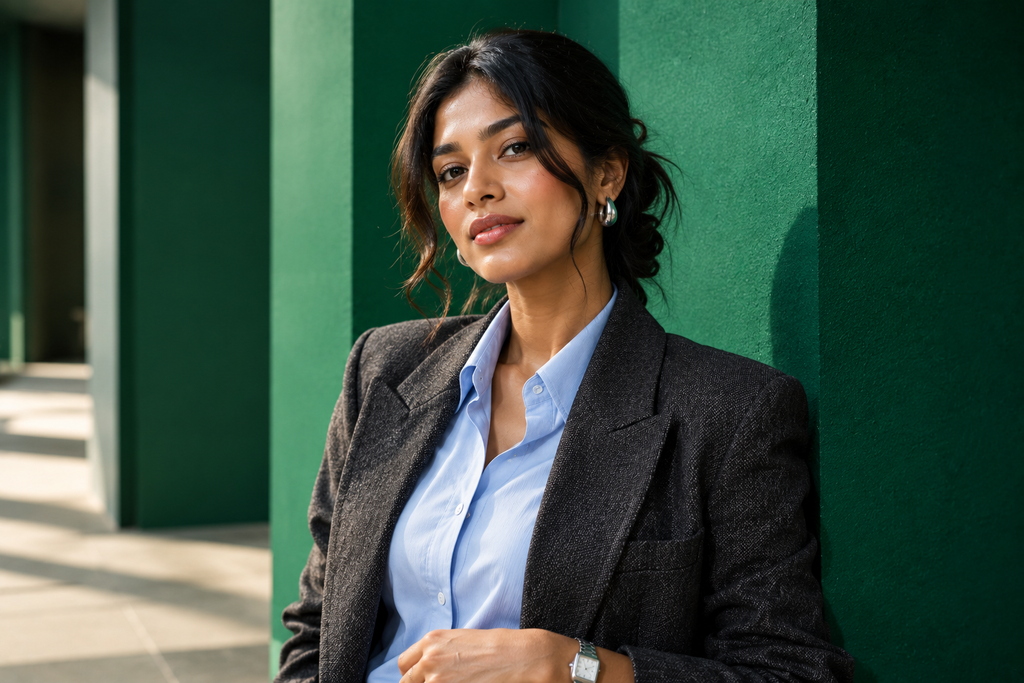
A Blazer That Doesn’t Feel Like a Costume
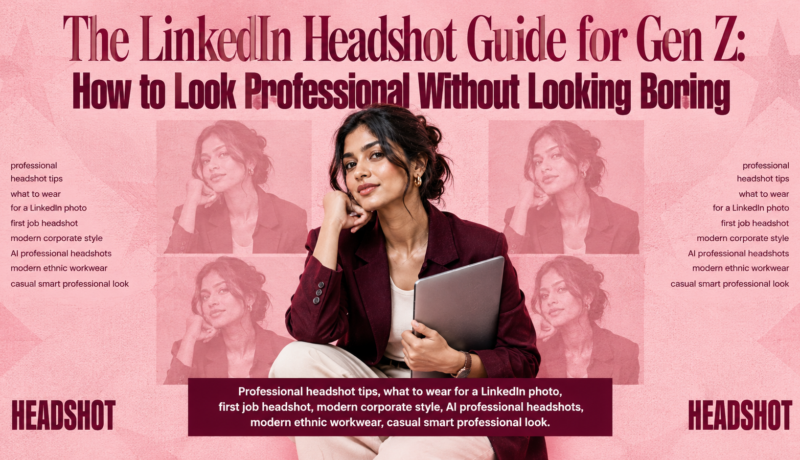
A blazer remains one of the easiest shortcuts to modern corporate style, but it does not need to be a rigid black suit jacket. Try a structured or relaxed-fit blazer in navy, charcoal, camel, cream, forest green or muted blue.
Layer it over a crisp shirt, fine-gauge knit, ribbed mock neck, polished blouse or clean crewneck. Texture helps a simple outfit feel considered: linen, tweed, wool blends and subtle corduroy all photograph well. Keep accessories restrained—a small earring, simple chain or watch is enough.
The Elevated Basics Route
If a blazer feels too formal for your industry, make the basics work harder. A collared shirt under a tidy cardigan, a premium crewneck over a tee or a fine knit with tailored shoulders can all read as competent on camera.
Avoid anything that looks accidentally casual in a close crop: oversized graphic tees, hoodies, gymwear, loud logos, distressed denim and visibly wrinkled fabric. The goal is not to erase your style. It is to make the photo feel like a professional choice rather than a rushed selfie.
For hybrid offices and creative roles, the right smart casual workwear can feel more natural than traditional formalwear.
Modern Ethnic Workwear, Styled for the Camera
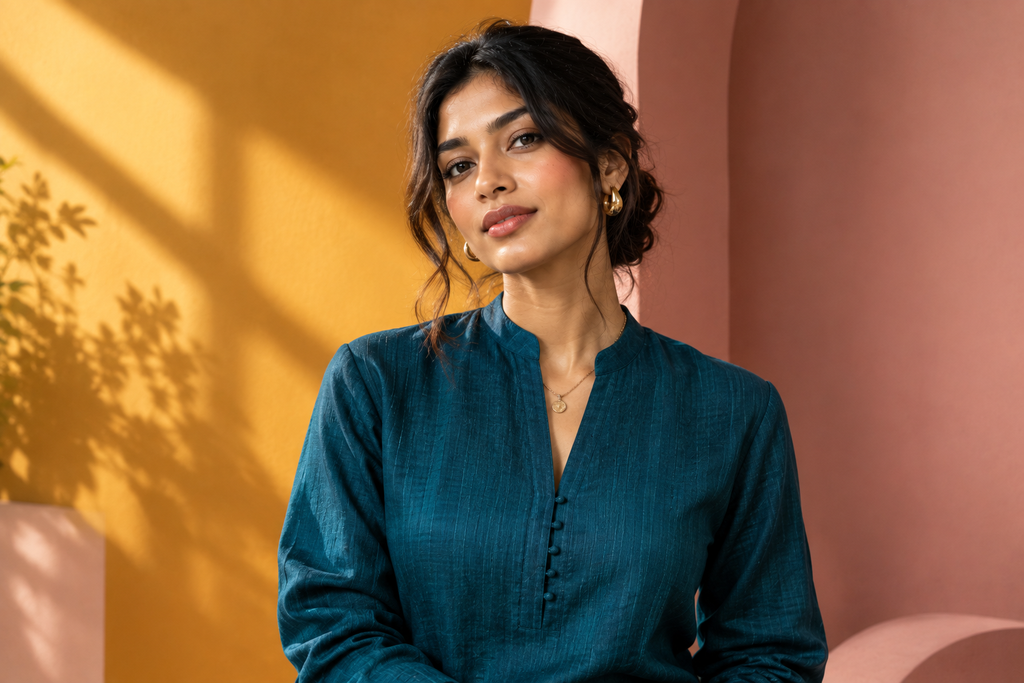
Cultural expression belongs in professional spaces. A crisp solid-colour modern kurta, minimalist mandarin collar, refined Nehru jacket or contemporary saree can create a memorable LinkedIn image when styled with clean lines and thoughtful finishing.
Choose fabrics that hold their shape and prints that will not compete with your face. A tonal weave, elegant border or small-scale pattern adds personality; busy prints can become distracting in a profile-sized image. Wear something that feels like you while still looking polished enough for the role you want.
The Colours That Work Hardest on Camera
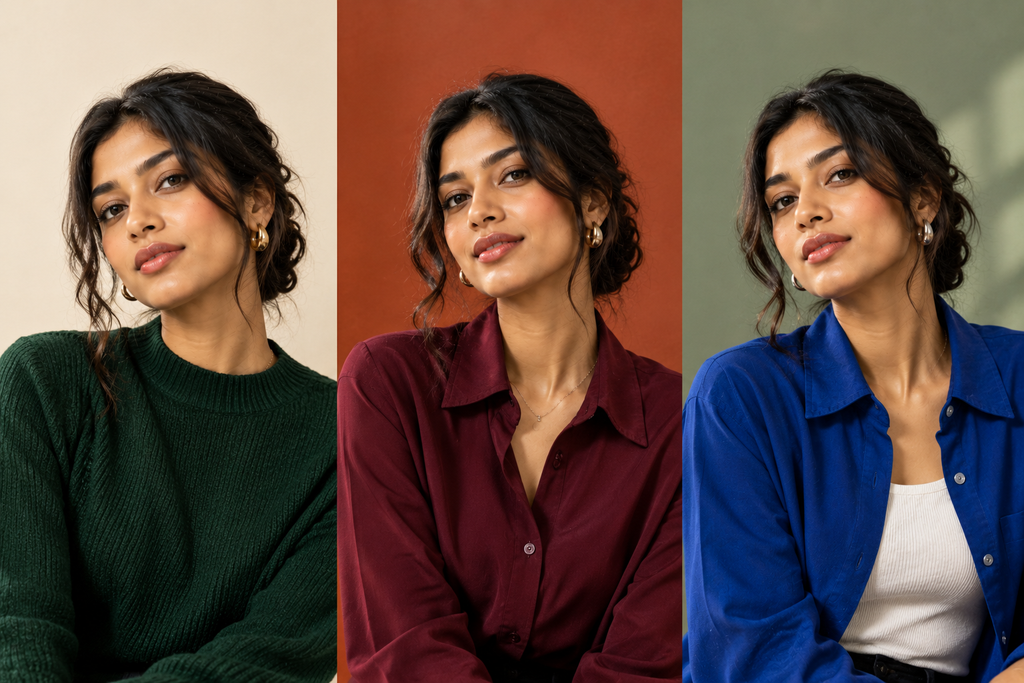
The best colours for a professional headshot create contrast with both your skin tone and background. Rich neutrals such as olive, chocolate, navy and charcoal are reliable. Jewel tones—including emerald, burgundy, deep teal and cobalt—often look especially strong on digital screens. Cream, soft blue and rust can work beautifully against warm neutral backgrounds.
Skip neon shades, all-white looks against pale walls, and tiny checks or stripes that may distort on camera. Keep logos out of frame.
Without a suit, professionalism comes from visual structure: a strong neckline, clean layers, quality fabric and a garment that fits properly across the shoulders. Check for lint, smooth stray hairs and choose accessories that support the outfit rather than steal focus.
If you are unsure where to start, download the Fashually app. Turns one photo into a full fashion shoot any outfit, any pose, any background. No camera, no stylist, no studio.
Good Light Beats a Fancy Location Every Time
Lighting matters more than location. Stand facing a window, or slightly angled toward soft daylight. Harsh overhead office lighting creates under-eye shadows, while direct flash can flatten your features. Avoid placing a bright window directly behind you.
For the background, leave the dated mottled-blue studio look behind. Strong options include:
- A clean, warm neutral wall in cream, beige, terracotta or sage
- A softly blurred office interior
- Outdoor greenery with a gentle bokeh effect
- A simple home setting with no visible clutter
Set your phone camera at eye level or just slightly above it—never below your chin. Turn your shoulders about 45 degrees, then bring your face back towards the camera. Push your chin slightly forward and down to define the jawline without looking posed.
Take more photos than you think you need. Try one with a smile, one with a softer expression and one with a different shoulder angle. The least forced image usually wins.
A DIY LinkedIn Headshot—and Where AI Fits In
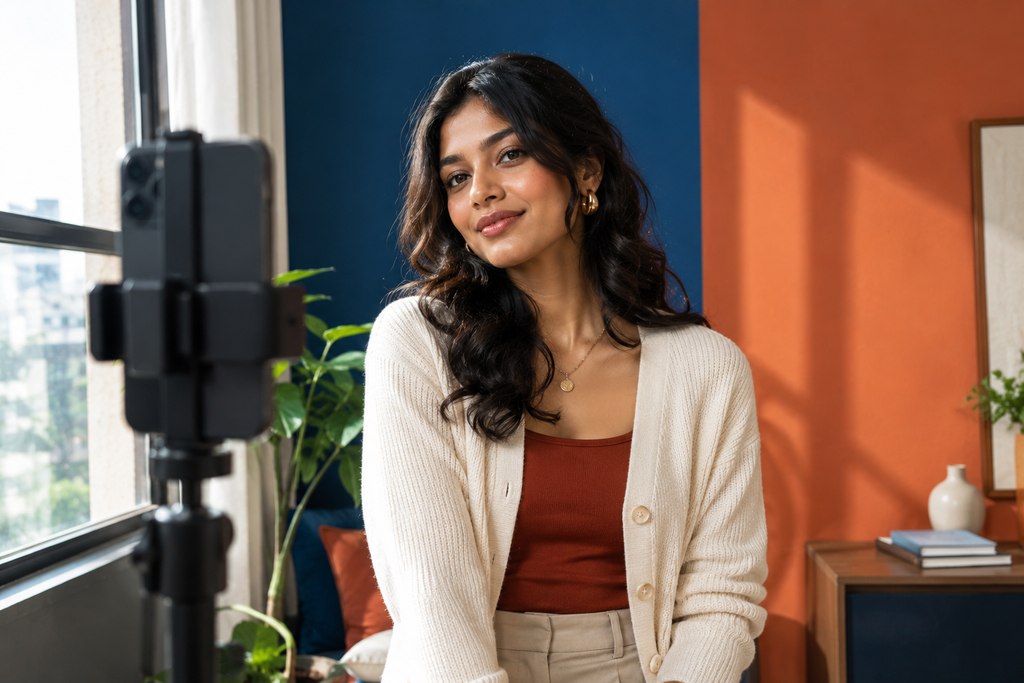
A smartphone is enough for a strong at-home headshot. Wipe the lens, use portrait mode only if the edges look natural, prop the phone on a tripod or stable surface, and use the timer rather than stretching your arm into a selfie. Shoot near a window, choose a plain background and use the highest-resolution version available.
Before uploading, check that the image is sharp, correctly cropped and genuinely looks like you.
For recent graduates, AI professional headshots can also reduce the pressure of finding the right outfit before a job search. Fashually’s AI Fashion Photoshoots and fashion visualization tools can help you explore professional directions—from textured blazers and smart-casual layers to modern ethnic workwear—alongside different lighting and background concepts from a suitable selfie.
Treat AI as a way to test-drive styling, not to invent a different person. Keep your facial features, skin texture and overall likeness realistic. AI visuals cannot guarantee real-world fit, fabric feel or garment quality, but they can help you decide which look is worth investing in for your final image.
LinkedIn Headshot Gen Z Checklist
- Crop: Chest-up, with your face clearly visible
- Light: Soft window light, without harsh flash or overhead shadows
- Camera: Eye level, high resolution and in focus
- Outfit: Clean, fitted and aligned with your target industry
- Colour: Contrasts with the background and does not wash you out
- Background: Simple, warm and uncluttered
- Expression: Relaxed, confident and approachable
- Authenticity: You should look like yourself when you walk into an interview
LinkedIn Headshot FAQs
Do I need to wear a suit for a LinkedIn headshot?
No. A well-fitted knit, collared shirt, blouse, cardigan or blazer can look professional when it suits your industry and is styled neatly.
Can I take a LinkedIn headshot with my phone?
Yes. Use soft window light, a clean background, eye-level camera placement and a timer or tripod. A sharp, well-composed phone photo can work very well.
What background is best for a LinkedIn profile photo?
A warm neutral wall, softly blurred office setting or uncluttered outdoor background are reliable choices. Avoid distracting clutter and bright backlighting.
Should I use an AI-generated LinkedIn headshot?
AI can be useful for exploring outfit, lighting and background ideas. Your final image should remain realistic, recognisable and appropriate for meeting people in person.
Your LinkedIn photo does not need to make you look older, more formal or less interesting. It needs to build trust quickly. Choose an outfit that supports your ambitions, use good light, and let your own style do some of the talking.